

Six agents. One window.
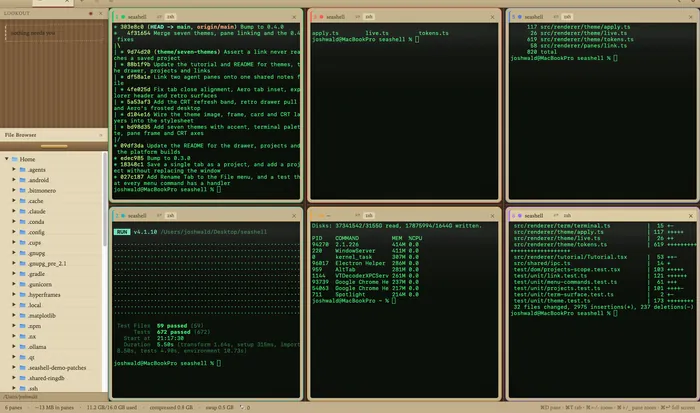
SeaShell is a terminal for running several Claude Code sessions at once. Panes tile in one window, a file explorer sits beside them, and a card catches whichever session has stopped to ask you something.
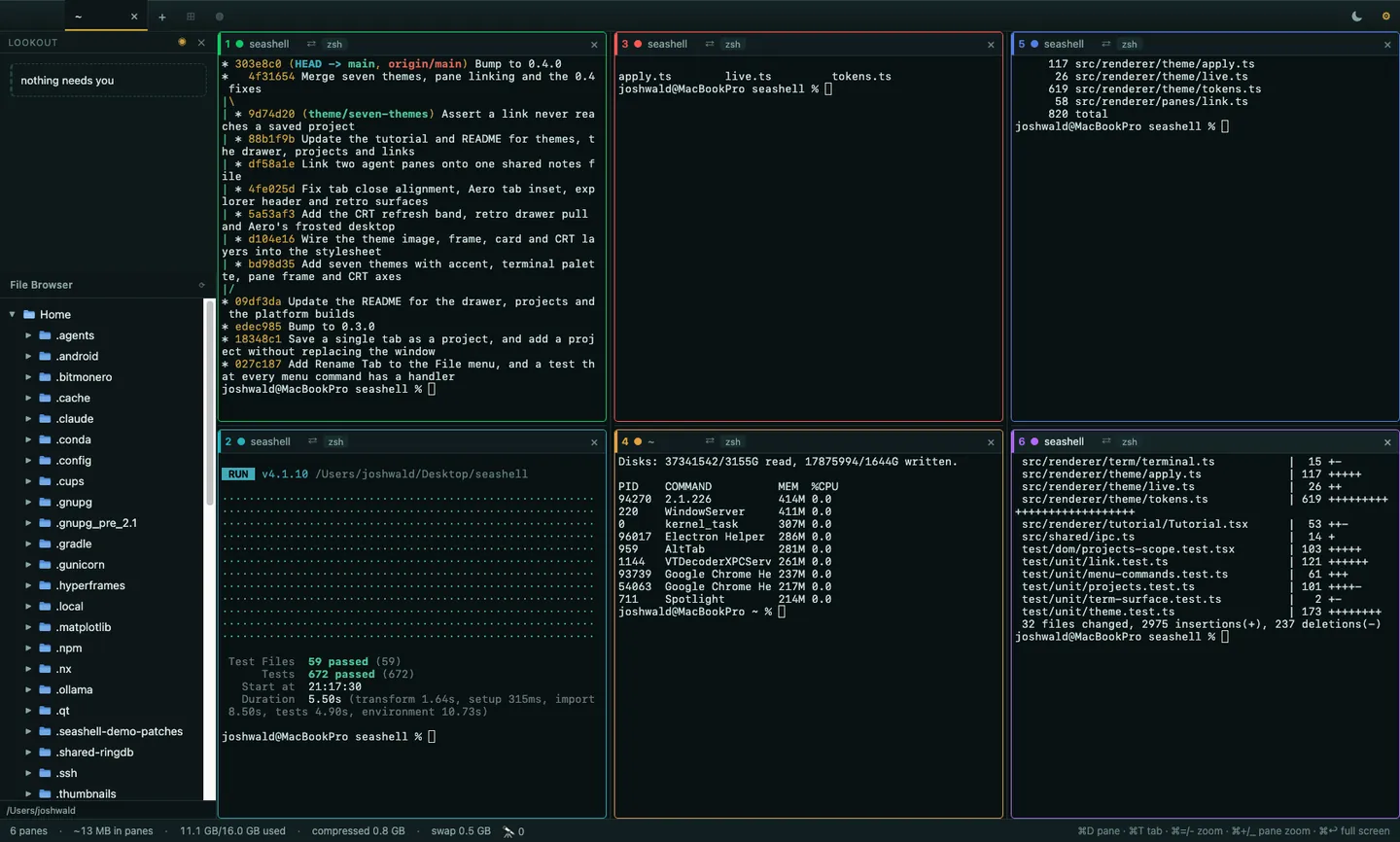
Dress it how you like it.
Ships with switchable themes, from a quiet macOS light to full retro CRT.
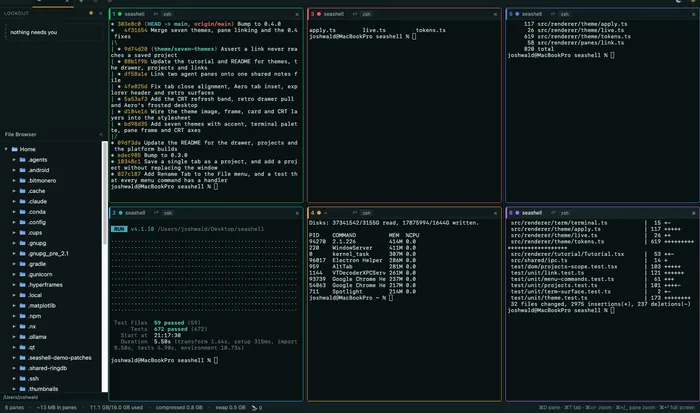
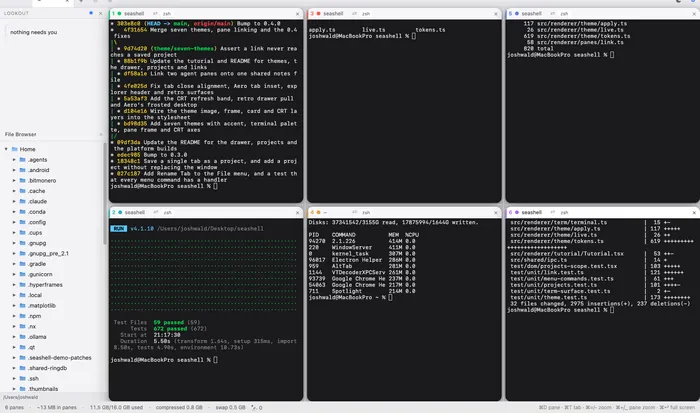
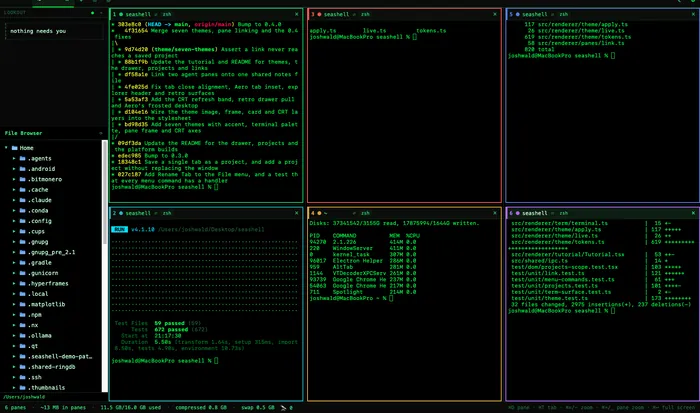
Small skills written for my own work, published as a plugin marketplace. They flag waiting sessions, close an agent's leftover browser tabs, and audit what Claude has remembered about you.
Frequently asked questions.
What is SeaShell?
SeaShell is a free, open source terminal for running several Claude Code sessions at once. Panes tile in one window, a file explorer sits beside them, and a card catches whichever session has stopped to ask you something.
Who is SeaShell for?
People who run more than one Claude Code session at a time. Sessions tile as panes in one window instead of sitting in separate windows, and the waiting-session card shows which one has stopped to ask you something.
What does SeaShell cost?
Nothing. SeaShell is free and open source under the Apache-2.0 license, and the source is on GitHub.
How do I get SeaShell?
Download the latest release from GitHub. The current version is v0.4.0 and it runs on macOS, Windows, and Linux.
Does SeaShell have themes?
Yes. It ships with switchable themes, from a quiet macOS light to full retro CRT. Nautical is the default, with macOS Light, Hacker, and Retro CRT alongside it.